
12 Creative Link Building Strategies I’ve Used Repeatedly

Link building is one of the most important aspects of SEO.
It’s how you acquire links to your website from other websites.
Doing it well will help you rank higher in search engine results pages (SERPs).
In this article, we will teach you about the different types of link building strategies and show you how to deploy them effectively.
What Is a Link Building Strategy?
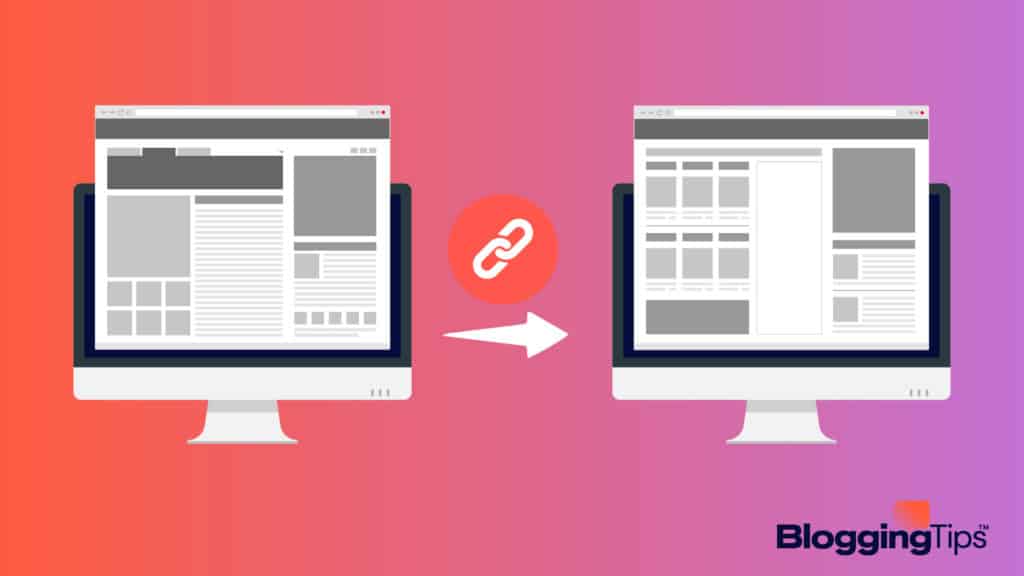
A link building strategy is a plan or system that helps you get high-quality links from other websites.
The most effective link building strategies usually involve creating excellent content and promoting it.
Why Are Link Building Strategies Important?
Link building is crucial because it can improve your search engine ranking and drive traffic to your site.
As you acquire more links from websites in your niche, it shows Google that your site is an authority on the subject.
Google places a lot of emphasis on links when determining where to rank a website.
What Are the Elements of Link Building?
There are four main elements of link building.
- Content Creation: Creating content that people will want to link to is the foundation of any good link building strategy.
- Promotion: Once you have created quality content, you need to promote it to get people to link to it.
- Links: The number and quality of links pointing to your site are a factor in determining your search engine ranking.
- Anchor text: The anchor text is the words used to link to your site. Using keywords in your anchor text can help improve your search engine ranking.
When these elements work together, they create a powerful force known as link building.
Let’s look at some of the most effective link building strategies.
12+ Best Link Building Strategies To Deploy In 2023
1. Outreach Link Building Strategies
One way to start generating backlinks to your website is to reach out to people who will naturally feel inclined to link to you.
This is called “link outreach” and it is highly effective in the world of niche websites.
Editorial Links (Niche Edits)
Editorial links are links you get as a result of creating excellent content.
You don’t pay for these links or actively request them.
Some people call these “natural” or “organic” links.
How Does Building Editorial Links Work?
You must remain patient to receive these types of links.
It can sometimes take years for your blog to gain the authority needed to attract links.
As your website’s authority grows, more and more websites will organically link to your pages.
For example, if you create a statistics post, you will start attracting links from other bloggers when they need to quote a stat on their websites.
[area]
How To Maximize Editorial Link Building Campaigns
The best way to maximize editorial links is to create high-quality content.
However, you need to understand the type of content that others will find link-worthy.
Use statistics posts as we mentioned above.
You can also create evergreen content, educational articles, and controversial posts.
As you work to create the best content in your niche, analyze competitor backlink profiles while doing your content planning.
It will help you write content that already attracts editorial links.
Consider doing manual outreach to get the ball rolling.
Create relationships with other bloggers to see if you can earn an editorial link inside a product roundup post, for instance.
[/area]
HARO Outreach
HARO stands for Help a Reporter Out.
It’s a link building strategy that involves responding to journalists looking for sources for their stories.
How Does HARO Outreach Work?
You can sign up to receive daily, weekly, or even monthly emails from HARO with opportunities for press features.
After locating an opportunity, you respond to the journalist with your pitch.
[area]
How To Maximize HARO Outreach Campaigns
To maximize your chances of success with HARO outreach, you need to have a quality pitch.
You need to understand what the journalist is looking for and how you can help.
[/area]
Resource Links
A resource link is a link to your website from another website considered to be a trusted source of information.
These links appear on a Resource page created by the blogger linking to you.
Google looks upon these links as favorable because your link improves the page of the person linking back to your resource.
How Do Resource Links Work?
Most bloggers set up what they call Resource pages.
On these pages, the website owner attempts to link to resources they think their readers will want to explore.
In order to get a link from one of these Resource pages, you must also have valuable resources for their audience.
[area]
How To Maximize Resource Link Campaigns
The best way to maximize resource link campaigns is to create something valuable that other bloggers in your niche will want to link.
Start your efforts off by researching to find resource pages already existing in your niche area.
Search Google for terms like the following.
- Keyword “useful links”
- Keyword “useful resources”
- Keyword “helpful resources”
Find a page you want to get a link on.
Determine which resource you can create that isn’t represented yet.
Create the resource.
Reach out to the website owner to let them know you’d love to have them link to you from their Resources page.
[/area]
Link Building Roundups
Link building roundups are link building opportunities that arise when a blogger asks niche experts to contribute curated content on a particular topic.
The blogger building the roundup post offers to link out to the website of each contributor.
How Do Link Building Roundups Work?
Most link building roundups follow a similar format.
The blogger (or roundup curator) that is looking for contributors will email their list of experts and ask them to contribute their best tips on a particular topic.
The experts who agree to contribute will send their tips back to the roundup curator.
The curator will then compile all the received tips into a single blog post linked to each expert’s website and publish the post.
[area]
How To Maximize Link Building Roundup Campaigns
To maximize roundup campaigns, build relationships with bloggers you see using roundups.
Get on their radar so you can participate in their next roundup post.
You can also write roundups on your blog.
After you link to each contributor, they will likely tell their audience about getting featured on your website.
It will generate plenty of new links to your roundup blog post.
[/area]
2. Content Link Building Strategies
Creating excellent content provides another opportunity to generate links to your website.
Guest Blogging
Guest blogging is when you write a blog post for another person’s website in exchange for a link back to your website.
Guest blogging allows you to get links from high-quality websites in your niche.
How Does Guest Blogging Work?
The process of guest blogging is relatively simple.
You find websites in your niche that accept guest blog posts, pitch them an article idea, write the article, and then link back to your website in your author bio.
You can also link to your blog inside the content of the article that goes on your partner’s blog.
[area]
How To Maximize Guest Blogging Campaigns
Focus on giving your new partner ideas when you contact them about guest blogging on their site.
Don’t simply ask if you can write for them.
You’ll get accepted more often by researching their website to uncover opportunities to write articles that they haven’t covered in depth yet.
When you email your request, give them two or three blog post titles to consider.
For example, if you’re in the fitness niche, and you find a website that covers healthy eating habits, you could pitch them an article on “The Top Ten Healthiest Foods to Eat” or “How to Make a Healthy Meal Plan.”
[/area]
Create and Publish Infographics
Infographics are linkable assets that consist of images and data visualizations.
They are a way to get links because they are easy for other website owners to link.
How Does Infographic Link Building Work?
The process of infographic link building is simple.
You create an infographic, publish it on your website, and then reach out to other websites in your niche and offer to let them link to your infographic.
[area]
How To Maximize Infographic Link Building Campaigns
To maximize your efforts when building links with infographics, make sure you create high-quality, and visually appealing infographics.
If your infographics are not up to par, website owners will not want to link to them.
Look on a potential partner’s website to find places where your infographic would work well.
Email them with a suggestion about how your infographic will improve their already-existing post.
[/area]
Link Bait
Link bait is a linkable asset that you create for the sole purpose of getting links.
It is usually high-quality content that other website owners want to link.
How Do Link Bait Campaigns Work?
To run a successful link bait campaign, you need to create something link-worthy, such as an in-depth blog post or a statistics post.
After creating your link bait, reach out to other websites in your niche and let them know about it.
Provide them with the URL to your link bait so they can link to it if they wish.
[area]
How To Maximize Link Bait Link Building Campaigns
There are a few things that you can do to increase the chances that your link bait will be successful.
First, ensure that you create something that offers real value to the reader.
Secondly, reach out to as many websites as possible.
The more people you contact, the more likely someone will link to your bait.
Finally, follow up with the websites you’ve contacted to remind them about your link bait.
[/area]
Content Pillars
Content pillars are linkable assets that consist of a group of blog posts related to each other.
They are a way to get links because they offer lots of value to the reader.
How Does Content Pillar Link Building Work?
First, create a group of related blog posts, publish them on your website, and use a single “hub” page that links to all of them.
Make sure all the other posts also link to one another.
These content pillars will start attracting links as other bloggers link to what they consider as the authority content around your pillar content’s topic.
[area]
How To Maximize Content Pillar Link Building Campaigns
To maximize your efforts with this strategy, research your pillar content’s topic thoroughly.
Next, create a hub page tying the posts together and link to each supporting page.
Provide a table of contents on the hub page for other bloggers to see and use for links.
This method will build your credibility in your niche.
[/area]
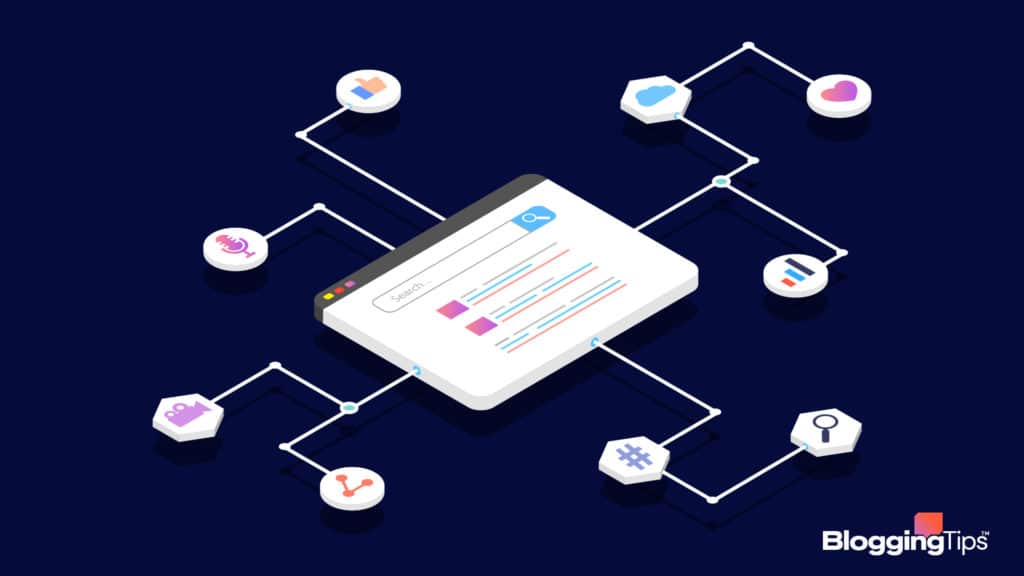
3. Social Media Link Building Strategies
Don’t forget about the power of social media to help you attract links.

Social Media
Many people love to use their social media profiles to link to industry blogs.
How Does Social Media Link Building Work?
Social media link building works by using your social media profiles to link to your website.
When you post something on social media, make sure to include a link back to your website.
It will help increase traffic to your website and also give people the opportunity to link to your content.
Social media also offers an opportunity to connect with other industry influencers to receive links to your blog from their social profiles.
[area]
How To Maximize Social Media Link Building Campaigns
Post engaging, link-worthy content on your social media profiles.
Also, connect with other industry influencers and tell them about your blog.
Encourage them to link to your content if they find it valuable for their audience.
[/area]
4. Creative Link Building Strategies
Our final category includes creative ways to get links to your website.
Broken Link Building
Broken link building is a process where you find websites linking to resources that no longer exist.
How Does Broken Link Building Work?
Use a tool like Ahrefs to find websites with broken links.
Once you’ve found a few, reach out to the website owner and inform them about the broken link.
Finally, offer them your link as a replacement.
[area]
How To Maximize Broken Link Building Campaigns
Maximize your efforts here by focusing first on long-running blogs.
Older websites suffer from backlinks as the Internet evolves.
Owners of these sites will immediately understand the value you’re providing when you reach out to replace their broken links.
[/area]
Replicate Competitor Links
Replicating competitor links is a process where you find websites linking to your competitors and then reach out to them to see if they’ll link to you instead.
How Does Replicating Competitor Links Work?
You can find websites linking to your competitor’s website using a tool like SemRush or Ahrefs.
Once you’ve found some link opportunities, reach out to the website owner to see if they’re interested in linking to your site instead of your competitor.
[area]
How To Maximize Replicating Competitor Link Campaigns
You need to create vastly superior content to get a website owner interested in replacing your competitor’s link with yours.
If you know you’ve done this, further maximize your efforts by sending highly-personalized emails.
Don’t use impersonal templates if you expect to see success with this method.
[/area]
Link Reclamation: Mentions
Link reclamation is the process of finding mentions of you or your website where the owner of the blog mentioning you isn’t linking to your blog.
How Do Unlinked Mentions Work?
There are a few ways to find unlinked mentions of your website.
You can use Google Alerts, Mention, or BuzzSumo.
Once you’ve found some unlinked mentions, reach out to the website owner and let them know about it.
Finally, ask them to link to your website.
[area]
How To Maximize Unlinked Mention Link Building Campaigns
It’s not uncommon for webmasters to use your images without linking to you.
Maximize this method by focusing on finding these image opportunities.
Reach out to any webmaster using your images and ask them to link to your site.
[/area]
Recommendation: Track Your Backlinks
We recommend that you track the backlinks to your website.
It’s crucial to do so because you can lose link equity if you lose any of your links.
SEO tools like Majestic, Ahrefs, or Moz can help you accomplish this goal.
Frequently Asked Questions
Let’s answer two commonly asked questions about link building.
What is the difference between backlinks and link building?
The main difference between link building and backlinks is that link building is a SEO strategy, while backlinks are the results of successful link building.
What are the three different kinds of links?
There are three different kinds of links: backlinks, external links, and internal links.
Backlinks are links from other websites to your website.
External links are links from your website to other websites.
Internal links are links from one page on your website to another page on your website.
Wrapping Up
It’s essential to have a link building strategy because it will help you get more traffic to your website.
The most effective link building strategies include roundups, guest blogging, content pillars, and social media link building opportunities.
Do you have further questions about link building?
Let us know in the comments below.
If you’re ready to begin generating links to your blog, select two or three of the above strategies to get started.
Responses