

WordPress is a great CMS platform and a popular target for hackers.
If you’re serious about your WordPress blog or site and want to protect it from potential threats and security breaches, you need to back up WordPress regularly and store the files safely.
No matter how great an application or content management system is, it won’t be long before things go south if it’s not backed up properly.
You’ll need to take specific steps to back up your WordPress website.
We will discuss how you can back up WordPress manually and list the popular plugins available.
Is It Important To Back Up WordPress?
WordPress backups, in case you were wondering, are very important and worth the extra effort.
If something goes should go wrong, you can restore your website to prevent your company from losing out on sales because of the needless downtime caused by the crash.
According to the Data Breach Report from the Identity Theft Resource Center, there were 1,862 data breaches in 2021.
This shows a worrying trend as there has been a 68% increase from 1,108 in 2020.
What Does A WordPress Backup Include?
Although your WordPress site may appear to be one cohesive entity from the outside, it consists of various components that work together to support your site.
Knowing these components and how they work together is crucial when you back up WordPress.
Doing so could make your backups as effective as possible and reduce their overall size and resource consumption.
Some of the major components include:
1. Themes & Plugins
All your installed themes, including the inactive ones, are contained in these files.
Adding themes to your backup is crucial if you use themes where you changed specific codes to get functionality that wasn’t always built-in.
Plugins are those that you have installed on your website to turn on a particular feature.
Without these, your WordPress website could not function correctly or at all.
2. Database
All of the site’s crucial data is kept in the WordPress database.
Everything from names, usernames, emails and user passwords are included.
It consists of your website’s articles, feedback, and other crucial data.
3. Media
The Media Files contain images, movies, and other resources uploaded to your WordPress website.
When you load a website, the database only serves as a pointer to these, which are often stored independently.
What Are The Best Ways To Back Up WordPress?
You can back up WordPress in various ways. The three basic types are manual, free, and paid plugins.
1. Manually Backing Up WordPress
You will need to manually back up WordPress every day if you choose this option to save a copy of your website.
The advantages include having a complete, thorough backup of the most recent version of your website.
The disadvantage is that it’s time-consuming, and you risk mistakenly saving an incomplete version of your website.
2. Free WordPress Backup Plugins
WordPress backups can be completed more quickly and easily with plugins.
A plugin greatly streamlines the procedure for companies who lack the time or finances to back up their content manually.
However, most free plugins can only record a small fraction of the data from your website.
3. Paid Plugins
Businesses frequently consider utilizing a paid backup plugin for WordPress to save time because it’s simpler and takes less time.
A premium plugin will secure your complete site, unlike free backups that often protect a portion of the content.
How To Back Up WordPress?
We’ll show you how to back up WordPress manually and with a plugin.
How To Back Up WordPress Manually
Your WordPress directory comprises files like wp-config.php, theme and plugin files, etc., that your WordPress site needs, as well as subfolders like wp-content and wp-includes.
Your themes, plugins, caching, and uploads are stored in the wp-content folder.
You cannot risk losing the wp-admin, which contains all the files needed for your WordPress admin area.
WordPress core files are located in the wp-includes subdirectory.
All of the significant WordPress code is in this folder.
There is no way you want to misplace this code.
Just download your whole WordPress directory and use that to make a copy of your files.
You can connect to your server using cPanel or an SFTP program. Let’s look at how to backup WordPress using cPanel:
- Step One: Go to cPanel after logging into your web host. The cPanel is typically the first page you see after logging in for most web servers.
- Step Two: Go to the File Manager and select the Public HTML or Home directory.
- Step Three: Find your WordPress directory from this point forward. You should make a backup of this folder.
- Step Four: Unfortunately, you must first compress the WordPress folder before downloading it through File Manager. Don’t worry; it’s not tricky to compress that folder.
- Step Five: Choose Compress from the menu after clicking on your WordPress directory. Alternative: Use the drop-down menu when right-clicking the folder to select Compress from the list of available options.
- Step Six: Choose the compression format from the popup box that appears, such as ZIP, Tar, GZIP, etc. Use a ZIP archive.
- Step Seven: After that, simply click the Compress File button and allow the procedure to finish. Your server will keep a copy of your WordPress compressed folder.
- Step Eight: Select Download from the menu by clicking on the newly produced archive. You can select Download with a right-click on the archive if you prefer.
- Step Nine: Save your backup in a safe place on your hard drive.
3 Popular Plugins You Can Use To Back Up WordPress
We’d advise using premium plugins immediately if you find the manual backup process too time-consuming and complicated.
1. UpdraftPlus
UpdraftPlus is a well-established plugin highly regarded for its user interface, boasting over 3 million active installations and more than 3,500 reviews.
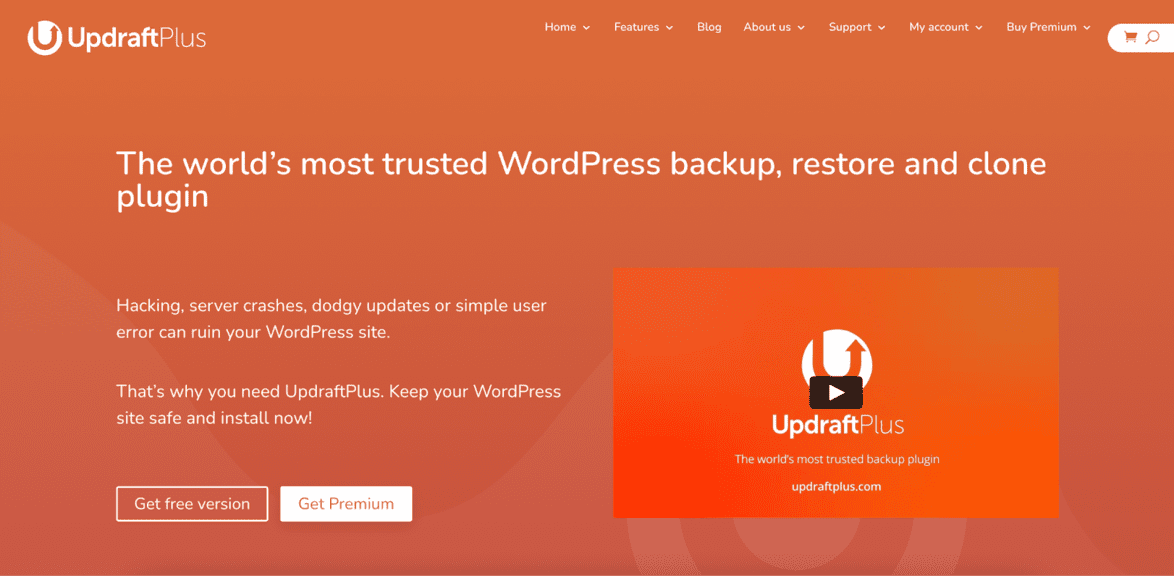
UpdraftPlus is a simple, effective, and user-friendly backup plugin that makes it simple and quick to back up WordPress.
Another great feature of UpdraftPlus is its ability to link with external storage services like Dropbox and Google Drive.
It provides a complete solution for creating automatic backups and fully or partially restoring your website.
2. BackupBuddy
You should use the premium plugin BackupBuddy to create trustworthy backups of your WordPress website, allowing you to restore it whenever necessary.
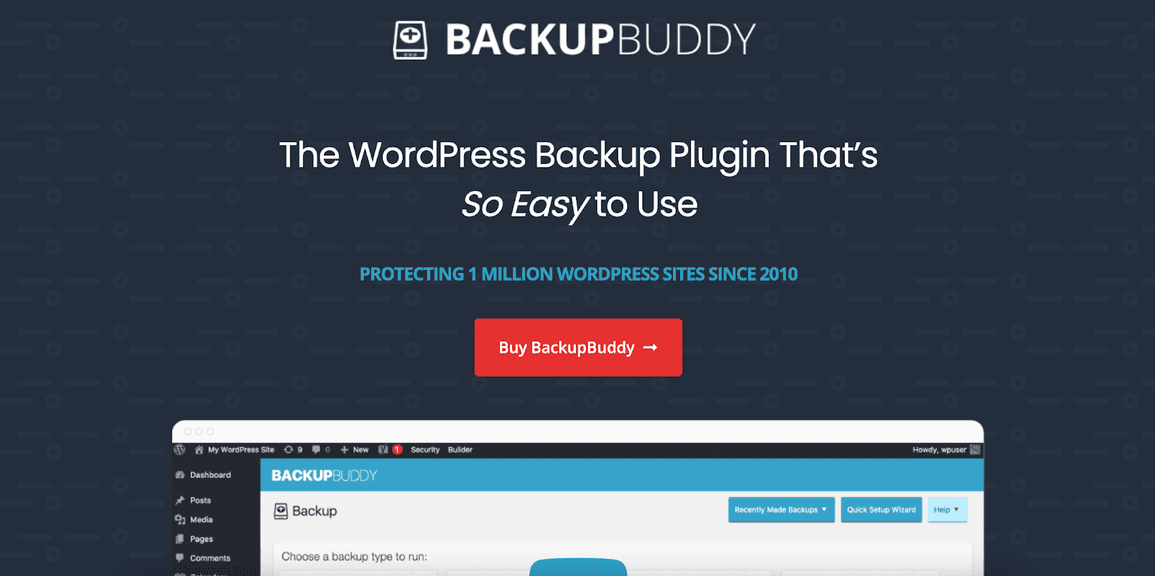
This plugin assists with website backup, migration, and restoration.
Backups include all the components, including widgets and plugins that have been installed, as well as the theme’s content and design.
3. JetPack Backup
WordPress co-founder Matt Mullenweg‘s business, Automattic, is the maker of the popular backup plugin Jetpack Backups.
The backup plugin for Jetpack provides automated day-to-day and real-time cloud backup solutions without making your site sluggish.
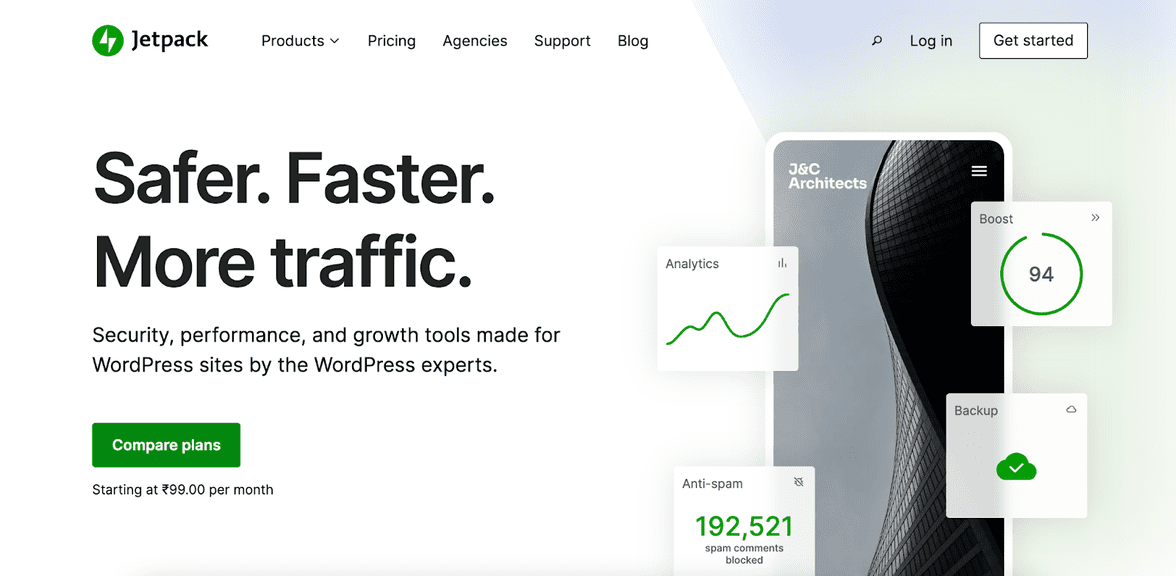
Setting up Jetpack backups is simple, and restoring takes a few clicks.
Jetpack’s higher-tier services include security scans and several other robust features.
Wrapping Up
A regular backup system is essential if you run a WordPress website.
If you host with a high-end managed WordPress host, your provider may already have an effective off-site website backup strategy in place for you.
However, most do not provide reliable backups; thus, your responsibility is to back up your WordPress website.
Depending on how frequently the content of your site changes, you should back it up at various intervals.
Most WordPress websites can benefit from a daily database and weekly file backups as a decent place to start.
Pro Tip:
Save yourself the trouble of the hard work for backups and go with one of the best managed WordPress hosts.
Instead of manually backing up every night, let the hosts do it for you.
The best part? If you need to roll back, you can do it in a simple click of a button.
Responses