

How to integrate a forum with your wordpress blog

Integrate forum with WordPressAs most of you know, Blogging Tips has a discussion forum, an area of the site I added to make it easier for bloggers to ask questions about blogging and a place to make contacts and friends too. Before I added the forums I checked out the possiblity of integrating the forum with the blog however the options available for integration at the time were not the best. So as it stands bloggingtips has a seperate database for blog users and for forum users.

Of course, this setup has some disadvantages, the most obvious being that users have to sign up to the blog and sign up to the forum as well. By integrating your blog and forums user system you could create a better community and drive more traffic to your blog’s forums by using your blogs content.

In this post I will look at the forums you can integrate with your WordPress powered blog. Note, there are many Content Management Systems (CMS) which use only one database for articles, blog posts and forum discussions however in my experience the whole package is of a low standard ie. the forum and blog parts of the CMS are pretty basic and lack certain features, certainly when compared to blog scripts like WordPress. If you have not started your project yet and are thinking of creating a community around your articles then it may be worth checking out some of these scripts as they may achieve exactly what you are looking for. You can check out lots of potential CMS, blog and forum scripts at Open Source CMS.

How do forums integrate with Wordpress

The main way forum makers have integrated their software with wordpress is to create a bridge between your blog’s database and your forum’s database. Different coders have coded this bridge in different ways however it usually involves the WordPress user database being used when signing up for the forum. At that point either the forum uses the wordpress user details or the user details are duplicated on the forum database which means that the bridge has to be able to update both databases if any changes are made ie. if you upgrade a user on your blog to admin then this should be reflected in the forum as well.

I spoke before about how integrating your blog and forum can create a better community and drive more traffic to your forums. One of the reasons why traffic usually increases to your forum is because the comment system is controlled by the forum and not your blog. How do they achieve this? Well again, different bridges work in different ways however the most common method is to create a new thread in the forums once a post is published on the blog. When a user wants to comment they are directed to the thread on the forum which has the blog post as the first post.

Many problems arise from two databases setup in different ways trying to ‘talk’ to each other to keep the other one up to date. Infact, the main problem is that a process actioned on one database is not actioned on the other. For example, when a blog post is duplicated on the forums to allow for comments, if the original blog post is deleted the corresponding forum post is not always deleted as well. I have yet to see a forum bridge that does not have problems or limitations however for the most part they are still useable despite some limitations.

Forum software which can integrate with WordPress

Below is a list of some of the most popular forum scripts on the web and the wordpress integration options which are available. If you decide to integrate any forum with your blog then I strongly encourage you to test everything on a test site before applying anything to your live blog. Obviously, it goes without saying that you should back up your blog and forum database and files before doing anything so in the event of anything going wrong you are revert everything back.

  • bbPressbbPress

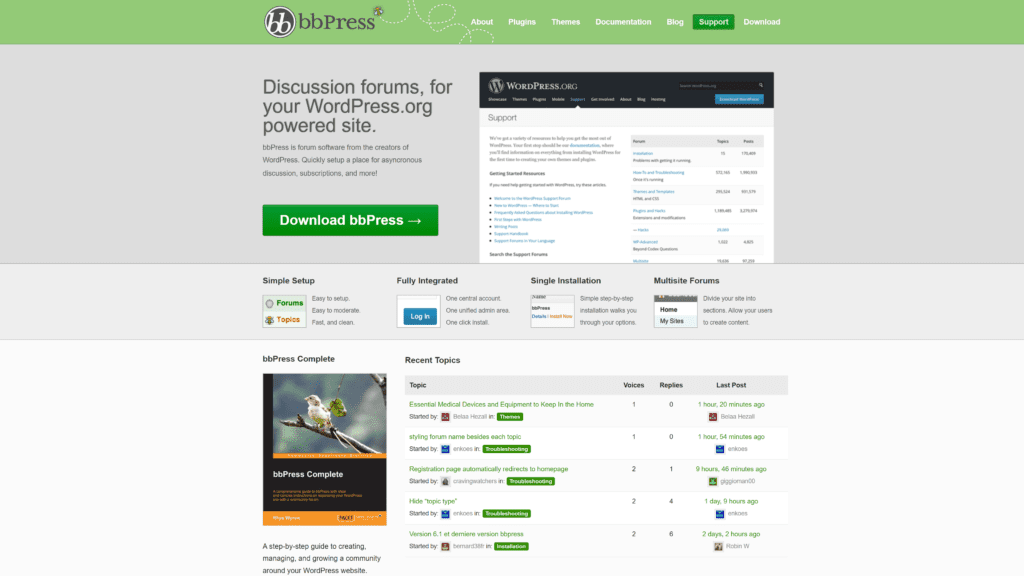
    bbPress is the forum software created by the makers of WordPress and it’s the script which is used for their WordPress Support Forums.

    It’s probably the forum script which best integrates with WordPress as it allows you to use the blog user database for the forums and also use the same cookies for both areas of your site so if you would like to integrate the same forum WordPress uses for their support forums then this is the obvious choice.

    In my opinion, bbPress is a very basic forum script so is ideal for a support area or for users to give feedback however beyond that you may find it a bit limited.

    Official Forum Link : bbPress
    Integration Link : Integration with WordPress

  • vBulletinvBulletin

    Although there are literally hundreds of forum scripts available on the net vBulletin is generally recognised as one the best forum scripts available (most would argue it is the best!). It is a commercial script (the owned license costs $160) and it’s the script which I’m currently using for the BloggingTips forums.

    The bridge which is currently available has been apllied on a lot of websites and whilst it does seem to work fine, there are a lot of limitations. As it stands, if you delete a user from either the blog or the forum you need to make sure you delete it in the other database too. A lot of people have experienced cookie problems with the script, particuarly when their forums are on a subdomain. If you have vBulletin powered forums on your website then it’s definately worth checking out.

    Official Forum Link : vBulletin
    Integration Link : Complete Wordpress/Vbulletin Bridge – Share Users And Postings

  • phpBBphpBB

    If vBulletin is the most popular commercial forum script then phpBB is undoubtedly the most popular free forum script and has been integrated into dozens of other blogging and CMS scripts.

    The most popular bridge available for phpBB is called WP-United. From what I have read on the web it seems to work pretty good however it does seem that the bridge uses the forum as the primary database ie. the blog would be integrated inside the forum so this may slow down your site. Although officially in the beta stage, there doesn’t seem to be many issues with the bridge so it’s definately worth checking out.

    Official Forum Link : phpBB
    Integration Link : WP-United

  • Simple Machines ForumSimple Machines Forum

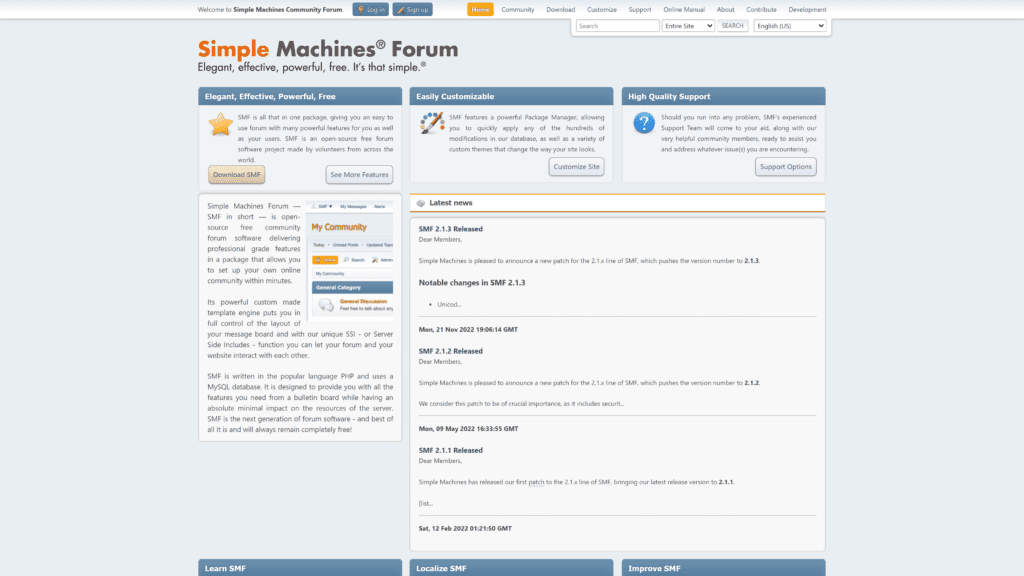
    SMF was developed from members of the Perl forum community ‘Yet Another Bulletin Board’ which was an extremely popular script 6 or 7 years ago (before PHP was so widespread). It has proven to be a useful script which has gained popularity due to the ease at which it can be integrated into external scripts.

    Even though it’s a very customisable script, there does not seem to be any bridge which works with the current version of WordPress. The ‘Wordpress SMF Bridge‘ has not been updated in 2 years, the wordpress integration project that Chris Taggart started was dropped because he started using different forum software and the plugin which is currently available in the official WordPress plugin area has only been tested up to version 2.2. EarthOrbit did take the original bridge forward recently but once again, development has not kept pace with the releases of WordPress.

    I can understand the frustration of SMF fans as apparently their script is very easy to customise but no programmer has developed a bridge for the latest versions of WordPress.

    Official Forum Link : Simple Machines Forum
    Integration Links : Wordpress SMF Bridge Plugin 1.0 (not been updated since 2006) & official WordPress plugin area (only been tested up to version 2.2) & latest WordPress Discussion Thread (many reporting problems with current version).

  • VanillaVanilla Forum

    Vanilla is an open source forum script which was developed by Lussumo. It’s an open source script which runs very quickly however compared to forum scripts like vBulletin it is quite basic although it does have more features than bbPress.

    Vanilla seems to integrate very well with WordPress and the hack allows you to decide whether users sign up via your blog’s sign up form or your forums. Take a look at the Vanilla Community, if you like the look and feel of the forum then it’s definately worth doing some tests with it and the bbPress forum to see which blends in best with your site.

    Official Forum Link : Vanilla
    Integration Link : Wordpress Integration : These integration instructions were written in 2006 and only tested up to WordPress 2.04 however the integration process seemed to work right up until the 2.3 series of WordPress and they are already working on a 2.5 bridge so it’s safe to say a working bridge will be available soon for the latest release of WordPress.

  • Other external forum scripts worth considering
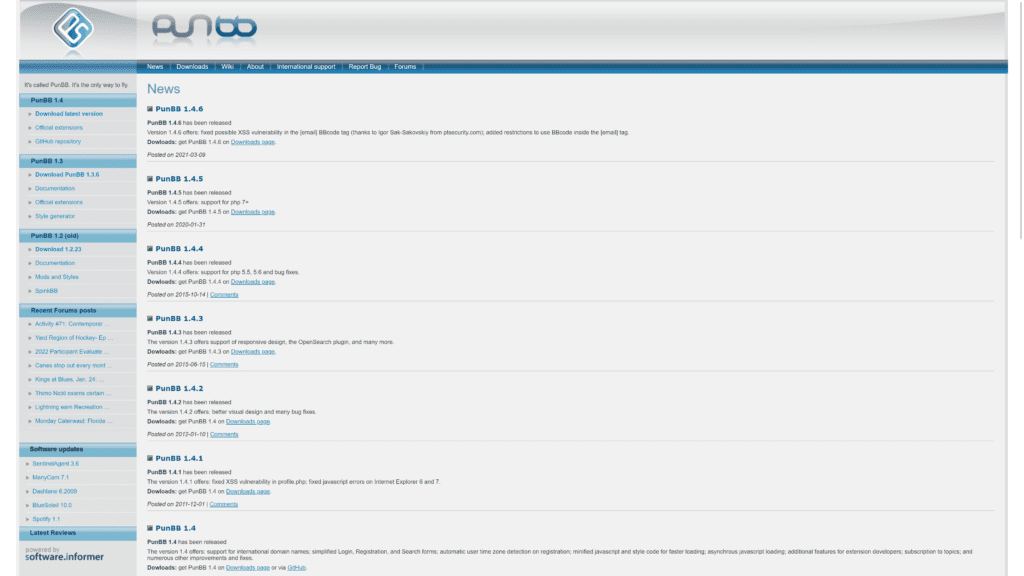
    • PunBB – A poor mans phpBB in my opinion. There is a bridge available but it’s only been tested up to version 2.2 of WordPress so it’s doubtful it still works. Check out the bridge instructions here.
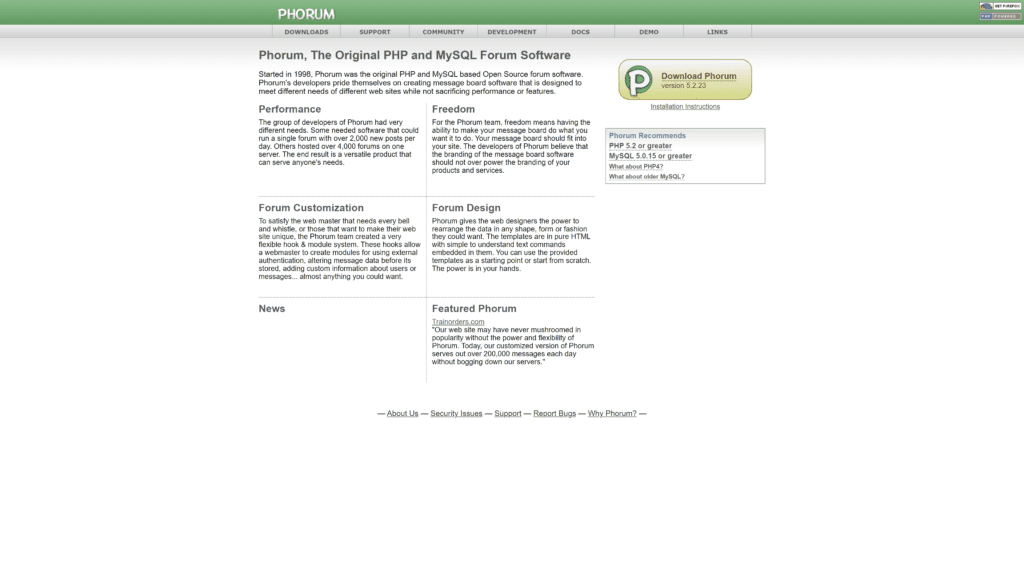
    • Phorum – A forum script which puts emphasis on speed, phorum has a WordPress bridge available but again, it hasn’t been updated in 2 years so you will probably struggle to get a bridge which works with a new version of WP. Check out the bridge details here.
    • Invision – There is a bridge available called Invision Bridge (see demo here). The blog hasn’t been updated since February so it doesn’t look like the owner is supporting the bridge anymore. Check out the blog here.
  • Wordpress Forum Plugins

    These forum scripts are plugins designed specifically for WordPress so you won’t have to worry about the main integration problems which exist with using external forum solutions.

    • Simple PressSimple:Press

      Formerly known as Simple Forum, Simple:Press is a forum plugin for WordPress developed by self proclaimed Yellow Swordfish Andy. Although developed by just one person, Simple:Press seems to be one of the best forum options available to WordPress bloggers and has already been updated to work with WP 2.5.

      The forum supports many features including poll’s image uploads and SEO Friendly Permalinks. There is also importing options to migrate users from wp-forum, XDforum and rs-forum forums. Definately worth downloading and checking out.

      Official Forum Link : Simple:Press

    • XDForum

      XDForum was a popular forum plugin but unfortunately, developers announced in February 2008 that XDForum will no longer be developed. There is a plugin available for existing xdforum users so that they can migrate their users to the simple forum script. Simple:Press has an import function too.

      Official Forum Link : XDForum

Overview

Adding a forum to your website is an easy thing to do but integrating it with your blog cleanly is a little more difficult. There is definately a strong demand for a good forum script which works in conjunction with WordPress however the perfect solution does not currently exist.

With external forum solutions it definately seems like the more complex the script (ie. vBulletin) the harder it is for coders to develop a solution to integrate the two scripts. More basic forum scripts like Vanilla and bbPress are easier to bridge however many of the features of other forum scripts are lost.

Simple Press has given me hope that a plugin for wordpress is the best solution however I have yet to see how it copes with heavy loads. Nevertheless I have downloaded and installed the plugin on my test blog and I’m going to mess around with it to find our more about it.

With regards to BloggingTips, the forums is an area of the site I want to develop however I don’t believe that the current bridge available is suitable for what I’m looking for. I think this is why forum integration has been held back ie. everyone is looking for the forum to integrate with their blog in a different way.

Personally I’d like a custom script which creates a unique profile for the visitor, a profile which would give details of the users blog posts, comments and forum posts. Of course, I don’t suspect I’ll get this unless I splurge on some custom coding from a programmer! :)

If you have tried to add a forum to your blog then I’d love to hear how you got on. If you haven’t but are looking to do so in the future, I hope I have put you in the right direction. Either way I’d like to hear your view on the subject :)

Follow this blogger on Twitter!

Kevin Muldoon Written by Kevin Muldoon from Blog Themes Club
Posted on April 3rd, 2008 and filed under WordPress
Do not forget to subscribe to our RSS feed for updates
  • Digg This Post
  • Tweet This Post
  • Stumble This Post
  • Submit This Post To Delicious
  • Submit This Post To Reddit
  • Submit This Post To Mixx

44 Responses to “How to integrate a forum with your wordpress blog”

Author comments are in a darker gray color for you to easily identify the posts author in the comments

  1. Daniel says:

    having a forum and a blog inter connected is a good option to drive up traffic to ur site. actually, having a forum is good coz here , the comments r more real and the the real facts come tumbling out.

  2. Biodun says:

    Great Post! Thanks for the tutorial, really helpful. Adding a blog to forum is an additional way of generating traffic, i will try it out.

  3. Good stuff Kevin, one of the best roundups I have seen around.

    Stumbled.

  4. susan_logos says:

    Very detailed post. It will help with my future site´s development.

    Thanks for sharing, Kevin!

  5. Kevin says:

    Thanks for the kudos guys :)

    Even though most of the bridges were 1 or two years old, most of them still seemed to be working until the recent wordpress update. I think the coding of 2.5 has changed a lot from earlier versions.

    By the way Daniel, I read the other day that you are adding a forum to your blog. I’ve ran loads of forums over the years so if you need any help with anything forum related give me a shout – I’m not promising I’ll know the answer but I can at least point you in the right direction.

  6. blogengage says:

    WOW I love the phpbb integrated blog it’s so sweet!

  7. Sam Bauers says:

    bbPress 0.9 integration is fully compatible with WordPress 2.5

    You can share user data as well as authentication cookies, meaning that when you log in to WordPress or bbPress you will be logged in to both automatically.

    As for handling load, bbPress handles a couple of high volume forums at both WordPress.org and WordPress.com (both integrated installations as well).

  8. Thank you for this post Kevin. In fact, I am just planning to set up a forum for my community and your timing was just perfect! :wink:

  9. Thanks,I may/will have to add your blog to my new million dolla list Awesome
    thanks I’ll be back
    potpolitics.com
    John S

  10. Chris says:

    :arrow: Just to clear up any confusion, I didn’t stop work on the plugin because I switched forum software. We still use SMF on that site along with Wordpress. We ended up changing the approach a little to automatically create wordpress users if a user existed in SMF, and then validate against the password, but eventually moved away from using Wordpress logins at all for that project. No new plans to pick it up again, but the Wordpress 2.2 plugin looks like it could do the trick with minor tweaking.

  11. Kevin says:

    Thanks for clearing that up Chris. Did you find it easier to code it so that wordpress users are duplicated from the forum database?

  12. Rich says:

    Great article! I’ve actually had a copy of bbpress sitting on my desktop for ages, but have never gotten around to trying to implement it. Simple Press looks like something that might work better for one of my sites, so I’ll definitely check that out. A plug-in forum would be perfect… thanks Kevin.

  13. Chris says:

    Hi Kevin, at the time I did. It came down to the fact that the password encryption methods were different, and having to manage multiple fields for usernames, etc, was painful, even if the two were sharing the same user tables.I haven’t looked too much at the newer plugins, but I would imagine they should work with 2.5 with a little tweaking. Having managed a fairly large SMF forum for the last few years, I might even opt to use bbPress at this point. Most of the addons we implemented for users were custom anyways.

  14. Kevin says:

    roch – no problem :)

    Chris – Do you think bbpress would be suitable for your users? I think that standard forums which have avatars etc create a a more community atmosphere so maybe some members wouldn’t like to be ‘downgraded’ in this way.

  15. MK says:

    Hi Kevin,

    Great article! I have two questions if you don’t mind answering.

    1. How did you integrate your Vbulletin forum within your Wordpress theme?

    2. How did you manage to create the ‘Latest Threads From The Blogging Forums’?

    Thanks.

  16. Kevin says:

    MK

    1. It isn’t integrated, I just copied over the same header and footer from my wordpress theme.

    2. I use this hack

  17. Brad Hawkins says:

    The ideal situation for forum integration is one I haven’t seen a good solution for yet — the ability to let the blog do what it does well (easily-updated content, notification via XMLRPC, RSS feeds, etc) and let the forum do what it does well — user interaction. Basically, what I’d like to see is a WordPress blog that, instead of “comments,” takes you to a forum where you can discuss a post. Each WordPress post creates a corresponding post in the forum, and people reply there.

    The website MacRumors does this, but I believe the frontend you’re looking at on the main page is a CMS, not a blog package. I would like to achieve the same result with WordPress.

  18. Kevin says:

    Brad – Yeah macrumours is using a CMS. VBulletin does have a bridge to do exactly what you are looking at. I looked into it but it’s still very buggy and there is a lot of problems that go with it :)

  19. Michael says:

    SimplePress is great. However, I misread upgrade instructions once and lost the forum :cry: I wouldn’t recommend it for a commercial site.

    I agree there’s a need for a good forum script which works with WordPress.

    On one site I’m using Phorum with the same look and feel as WordPress, but separate databases. When Phorum gets around to offering OpenID it will be a good option.

  20. TalcheakPak says:

    [img]http://www.hairstylestop.com/wp-content/uploads/2008/07/drew.jpg[/img]
    Drew Barrymore is seen here picking up an iced tea from her local Beverly Hills Starbucks. She is currently preparing for a role in Everybody s Fine alongside fellow A-listers Kate Beckinsale and Robert De Niro. Which is a good thing considering she and Justin Long have just ended their ridiculously happy year long almost engagement relationship. But Drew is smiles as usual and doesn t seem the least bit phased. And her look here is not one that is the result of a broken heart, as the hippy BoHo look is one that Drew enjoys and is seen quite frequently with. She is using her quirky little hat here to hide what I am guessing may be unwashed hair, but her natural waves are still pretty and flattering to her heart shaped face. This is a great look if you like to wear your hair down but don t have time for a wash one day as the hat masks the issue completely. Drew as always looks fab, but I can t help but wonder if she was perhaps born in the wrong era?
    Welcome to the Hairstyles Top. Here you will find the latest top hair style pictures, and advice for new hairstyles: curly hairstyles, kids hairstyles, black hairstyles, how To Hair Tips, etc. Lots of celebrity haircuts.

  21. JimCPj says:

    Suicide. What is it with friends who feel the need to talk about suicide. They come to you on the internet and you talk to them for 2 hours, than they act like nothing happened. You confront them about it and they say they were just having a bad day. What do you do when you’ve heard this from the same person over and over? [IMG]http://fish.cookiestuffing.me/img/126/w08e0929lzpg/smiley.jpg[/IMG]

  22. appadaBut says:

    Hi, everybody!

    I think, that this is a great forum. Very intresting and useful.
    But I can’t find the search function, cause I want faster find the topics that could be intresting for me to express my opinion…
    Please help me with search function on this forum!

  23. KicleKigSaula says:

    Hello

    im new here just saying hello
    if this is in the wrong section please mods move to the correct

    thank you

  24. AMistyCrissy says:

    Hi! I’m Crystal. I am almost 16. :)
    I guess http://www.bloggingtips.com – nice name for this site! ;)
    It is so cool here, especially in this category.
    I was surfed about 3 hours before found this forum. I think i’ll be here for a long time! :-*

  25. Adjounc says:

    I am newboy on http://www.bloggingtips.com .Let’s gets acquainted!

  26. Ordererit says:

    I`am new girl on http://www.bloggingtips.com .Let’s gets acquainted!
    My name is Victoria.

  27. Thanks for this helpful tutorial. I just bookmarked this page because I am pretty sure I will check it again in the future.

  28. jimbomel says:

    Hi guys,

    I recently registered to this forum http://www.bloggingtips.com and hope that somebody can
    give me an advice on the forex – I am looking for an introduction
    for noobs. I have already a little knowledge about shares. (Hope this is the adequate category.)

    Help is so much appreciated. Most important question: can a noob make money on the forex exchange market?

    Thanks,
    Jim

  29. mrtruckster says:

    Hi forum users and readers I hope you can solve a stupid problem with my computer  
    Im getting a lot of popups when Im browsing the internet, sometimes even when Im not at the computer, I leave it on for
    an hour and when I get back I have 2-3 popups that have appeared from nowhere. How can I remove this? Im really not intrested
    in finding adult friends or downloading a new screen saver :D  

    Please help me, Im kind of low on budget and wouldnt like to take the computer to an expert and pay a lot of cash for it, all the ideas are welcome
    and I will definetly try them! Hope to hear from you soon! 

  30. unumnBOn says:

    What is a reverse mortgage?

  31. HSCharles says:

    I have a flash website
    i’m looking for the script who shows google ads in flash.
    how can i get it?

  32. Weiredrusia says:

    Does anyone how to unlock this phone. if yes what does one use it to unlock it. Thanks

  33. Elenaneedhelp says:

    Please help!
    I am desperate mother seriously ill child. This letter is my last only way to save his younger son. In your hands done the fate of the child. People are not gods, but sometimes can make miracles. In your power to give a chance to live.
    One I was not able to collect a sum of money, because I single mother and an operation to transplant bone marrow is very expensive. The child chahnet eyes, his life is shorter every minute.
    I appeal to you! Please help my child! The operation needs to be done as soon as possible.

    Contacts: paypal elen.langot@gmail.com
    E-Gold: 5267587

  34. luteragzfer says:

    Mike Mossberg, I know you reading this forum, please contact me, because I can’t find your contact details.

  35. Ahmed Ashraf says:

    Great Topic , Thanks

  36. Citzoozy says:

    Hi. I regularly be familiar with this forum. This is the head culture unequivocal to ask a topic.
    How numberless in this forum are references Nautical port behind, knavish users?
    Can I bank all the communication that there is?

  37. DopBrulppep says:

    I am here at a forum newcomer. Until I read and deal with the forum.
    Let’s learn!

  38. XRumerTestcc says:

    Hello. And Bye.

  39. williambit says:

    Hi, just registered today, can someone give me some suggestions on which ebooks or guides are good for newbies like me?

  40. dereqzxxx says:

    hi!
    thanks,nice forum!

  41. dereqzxxx says:

    hi!
    I’mnew there:)

  42. AssollBerty says:

    Clomid (Clomiphene) is used for treating female infertility.

Comments are closed.

Comments are closed since this post is older than 30 days. However, you can continue this discussion in our popular Blogging Forums

Subscribe To BloggingTips Via RSS Subscribe To Blogging Tips Via Email Follow Us On Twitter Find Out More About Our Newsletter
 

Blogging Tips Sponsors

Blogging Tips Newsletter


Blogging Tips Sponsors


Latest from the Blogosphere